Start by working out where the problem is, because a smudge on top, a speck underneath and a peeling edge each need a different fix. Most screen protector problems are one of six things, and the table below points you to the right one. In nearly every case the first move is the same: switch the phone off, wash your hands, and use a clean microfibre cloth, not paper.
The golden rule runs through all of them. Keep fingers off the sticky side, because skin oils spoil the adhesive, and do not reach for glass cleaner, which can strip the oil-repelling coating that makes a protector feel smooth.
Disclosure: Cleaners Guide is a participant in the Amazon Associates programme, so if you buy through links on this page we may earn a small commission at no extra cost to you. It never changes our recommendations, we suggest products because they work and we point out cheaper options where they do the same job. Prices and availability change, so always check the current price before buying.
What you can see, and what is probably causing it
| Symptom | Likely cause | Go to |
|---|---|---|
| Fingerprints, greasy smears | Skin oil, hand cream, food residue on the surface | Surface clean |
| Screen drags under your finger and smudges more than it did | The oil-repelling coating has worn thin from age, abrasive wiping or harsh cleaners | Coating and when to replace |
| Rainbow halo or a bump with a speck at the centre | Dust trapped under the protector | Lifting out dust |
| Plain bubbles with no speck | Air from application, often settles | Bubbles |
| Edges lifting, cloudy patches, protector will not stay down | Dust or oil on the adhesive, or a case pushing on the edge | Washing and re-sticking glass |
| Cracks, chips or deep scratches | The protector has done its job | Replace it |
Fix 1: clean the surface (easiest, try this first)
See microfibre cloths on Amazon →
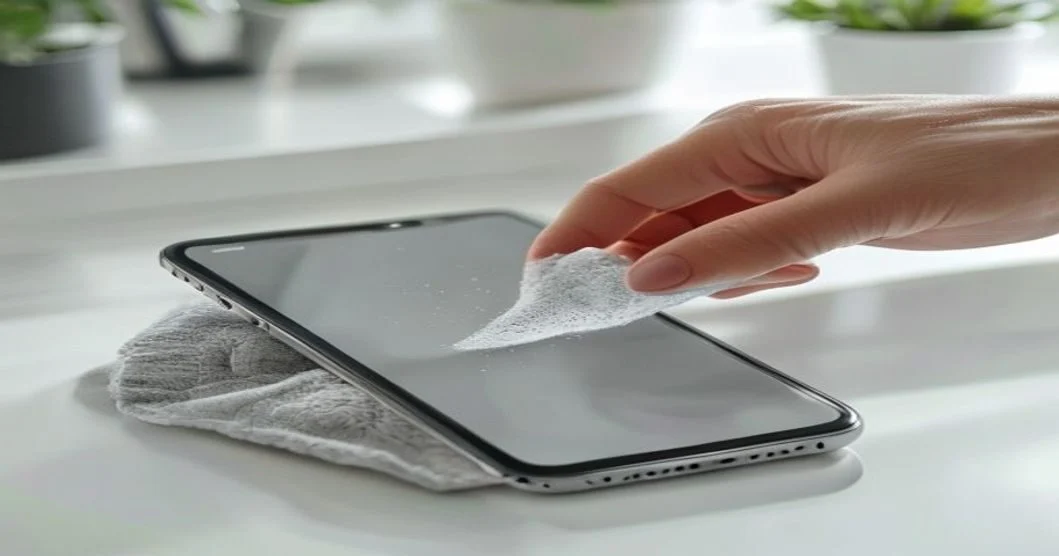
This is the everyday clean for fingerprints, face grease and smudges on the outer surface, whether the protector is tempered glass or film.
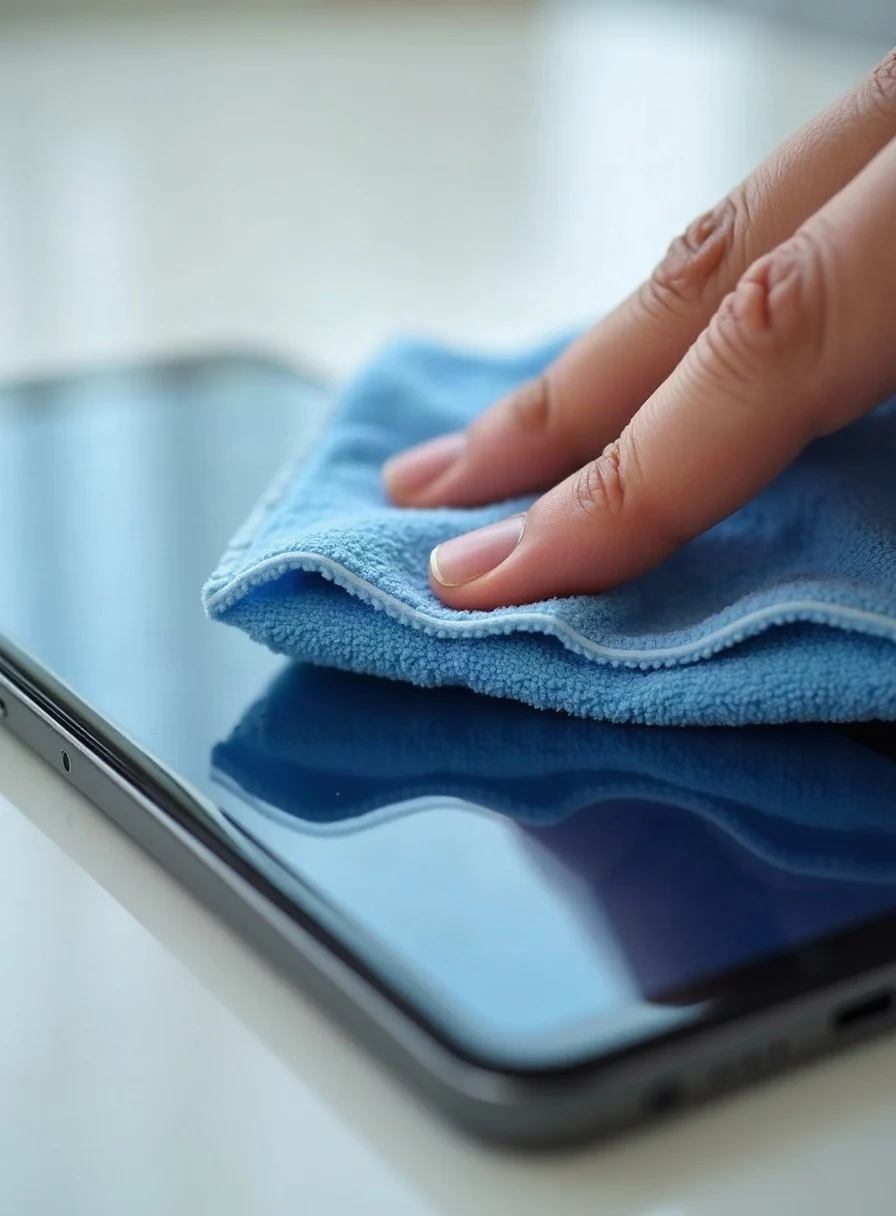
- Turn the phone off, unplug it, and ideally take it out of its case so you can reach the edges.
- Wipe with a clean, dry microfibre cloth first, in small circles. This alone clears most fingerprints. Never use paper towel, tissue or a tea towel, which are abrasive and leave lint.
- For stubborn smudges, lightly dampen a corner of the microfibre with distilled water, or breathe on the screen, and wipe again. For greasy marks, a small amount of dish soap in water on the cloth, wrung out very well, works.
- For really stubborn grime, a dab of isopropyl alcohol on the cloth cuts through it, but use it sparingly.
- Buff dry with the dry side of the cloth.
Do not spray liquid straight onto the screen, as it can run into the speaker grilles and ports. Put a little on the cloth instead, and check your phone maker’s own cleaning guidance, which Apple, Samsung and others publish on their support pages.
Why the screen starts to drag, and what to avoid
Tempered-glass protectors usually carry a thin oleophobic (oil-repelling) coating that makes them smooth and smudge-resistant. Harsh chemicals such as window cleaner, ammonia and bleach, and repeated use of neat alcohol, can wear it away, leaving the glass draggy and prone to smearing. Treat isopropyl as an occasional spot-treatment, not a daily wipe. The same coating logic applies to other screens, so see our guide to cleaning a laptop screen safely and our one on cleaning glasses, which have coated lenses.
- Window or glass cleaner, ammonia, bleach or vinegar. They strip the oleophobic coating.
- Paper towel, tissue, toilet roll or kitchen roll. Abrasive, causing micro-scratches and lint.
- Neat rubbing alcohol as a routine cleaner. Fine occasionally, but regular use wears the coating.
- Abrasive powders or magic-eraser sponges. They scratch the surface.
- Soaking a phone under a running tap. If you want to rinse a protector, take it off the phone first.
Fix 2: lift dust out from underneath
A single speck of dust trapped underneath creates a little rainbow halo or a bubble that will not go away. You do not need to bin the protector, because you can usually fish the dust out.
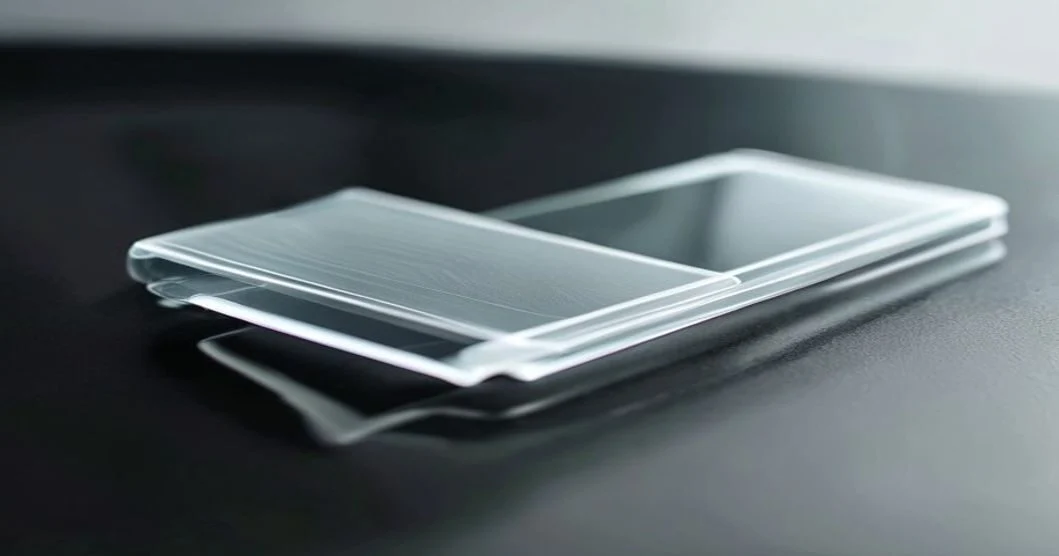
- Work in a dust-free spot. A bathroom a few minutes after a hot shower helps, as the steam settles airborne dust.
- Lift the nearest corner to the dust with a thin, clean plastic card or your fingernail, just enough to expose the speck and not the whole protector. Try not to touch the adhesive.
- Lift out the dust by pressing a small piece of clear sticky tape, or the dust-removal sticker that came with the protector, onto the speck and pulling it away.
- Lay the protector back down and press gently from the centre outwards to push out air.
If there are several specks, do them one at a time. The less your bare fingers touch the adhesive, the better it will re-stick.
Fix 3: deal with bubbles
There are two kinds of bubble, and they are fixed differently.
- Plain air bubbles, no dust: push them towards the nearest edge with a microfibre-wrapped card or a plastic squeegee, working from the centre out. Small air bubbles often disappear on their own within a day or two as the adhesive settles, so give a fresh protector time before worrying.
- Bubbles with a speck in the middle: these will not press out because dust is holding the gap open. Lift the corner nearest the speck, remove the dust with tape, then press back down.
With tempered glass, do not force a stubborn bubble hard, since glass protectors either sit flat or they do not, and pressing hard risks cracking. If a large area near the edge will not adhere, the adhesive there has usually picked up dust or oil and needs the re-stick treatment below.
Fix 4: wash the sticky side and re-stick a glass protector
If a tempered-glass protector is lifting at the edges or looks cloudy underneath, you can often wash the adhesive side and reapply it, because many glass protectors use a silicone adhesive that tolerates water. This does not work well on soft TPU or film protectors, whose glue is more fragile, and results vary by brand, so check the maker’s guidance if it is on the pack.
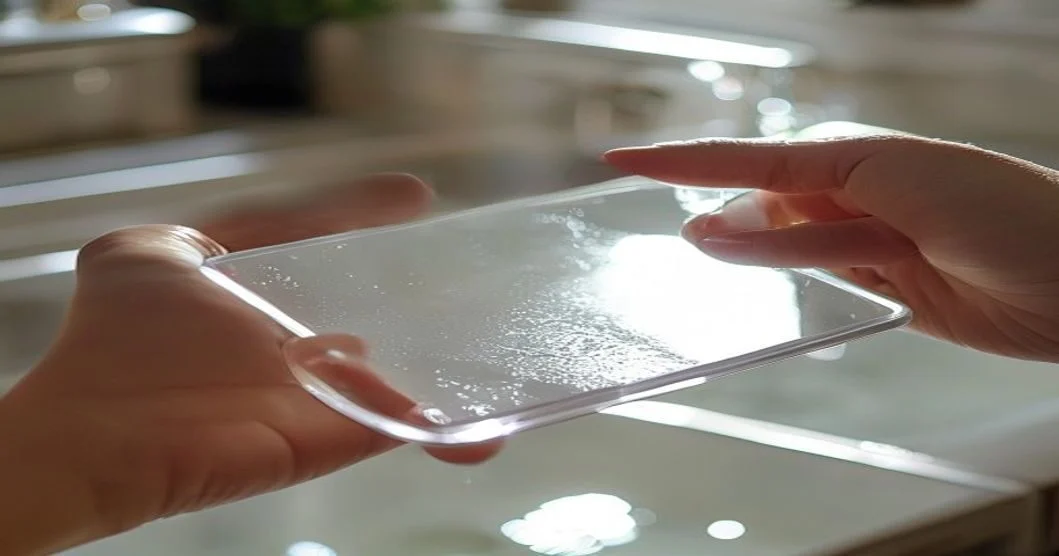
- Peel it off gently, wedging a card into a corner and lifting slowly. Hold it by the edges.
- Rinse the sticky side under lukewarm running water with a drop of dish soap. Let the water do the work and do not rub or scrub the adhesive.
- Rinse off the soap and stand it on its edge to air-dry completely. Do not wipe the adhesive with a cloth, which leaves lint.
- Lift off any last dust by making a loop of masking tape and dabbing it lightly over the dry adhesive.
- Clean the phone screen (see below), then lower the protector on from one edge, pressing from the centre outwards. Any remaining air should settle within a day.
Prepping the screen for a new protector
Fit is mostly down to preparation, and trapped dust is the leading cause of bubbles, so take your time.
- Use the wet wipe, then the dry cloth from the kit, or a dab of isopropyl on a microfibre, to remove all grease from the screen.
- Buff with the dry microfibre until there are no smears.
- Remove every dust speck with the sticky dust-removal tabs, checking against the light at an angle.
- Work in a steamy bathroom to keep airborne dust down. One speck means a bubble.
- Align, then lower the protector from one edge and let it stick across the screen, pressing out from the centre.
When to stop and replace it
If a protector is cracked, chipped, deeply scratched, or has lost its grip after a wash, it has done its job. Replace it, since a damaged protector no longer protects and cracks can cut fingers. If the phone’s own screen is cracked underneath, or the display flickers or has dead patches, that is a repair-shop job, not a cleaning one. Regular wiping also matters for hygiene: see whether your phone really is dirtier than a toilet seat and whether UV phone sanitisers work before spending money on gadgets.
Keeping it clean, and what to buy
A few habits keep a protector looking new. Keep a microfibre cloth in your bag or on your desk for a ten-second wipe, wash your hands before long phone sessions (hand cream and food grease are the worst offenders), keep the phone in a separate pocket from keys and coins, and empty pocket lint from the case now and then. Removing grime before it builds up also means you rarely need anything stronger than a dry cloth. Also see our guides to cleaning a TV screen and cleaning an iPhone charging port.
Questions people ask about cleaning screen protectors
- Can I use hand sanitiser or antibacterial wipes?
Occasionally, if the wipe is made for electronics or your phone maker says it is fine. Hand sanitiser and strong wipes contain alcohol or other chemicals that can wear the coating if used often. Wring a wipe out, avoid openings, and finish with a dry microfibre. - Are baby wipes safe on a screen protector?
They are not ideal. Many contain oils, lotions or fragrance that leave a film and make the screen smear. If you need a quick fix, use a barely damp microfibre instead, or wipes made for screens. - Is it okay to spray cleaner directly on the screen?
No. Liquid can run into speaker grilles, microphones and ports. Spray a small amount onto the cloth, wring it out and wipe, then dry with a clean part of the cloth. - Do I need to turn the phone off first?
It is sensible to. Switch it off and unplug it, so you can see marks properly and avoid accidental touches while wiping. Remove the case if edges need attention. - How do I clean a matte or anti-glare protector?
Use a dry microfibre or a very lightly damp one with gentle pressure. Hard rubbing can polish the textured surface and make it look patchy or shiny, so work lightly and let the cloth do the work. - Can toothpaste or a polish remove scratches from a protector?
Not reliably. Scratches in the protector are physical damage, and abrasive hacks can dull the surface or remove the coating. If a scratch bothers you, replacing the protector is cheap and gives a smooth, clear finish. - Why does my protector feel tacky or sticky on top?
Usually it is residue from hand cream, sanitiser, or a cleaning product left on the surface. Wipe with a cloth lightly dampened in water and a drop of dish soap, then buff dry. If the stickiness persists, the coating may be failing. - Can a phone case make the edges lift?
Yes. A tight case can press on the protector’s edge and lift it, particularly on curved screens. Choose a case with a raised lip that clears the edge, and check for trapped grit around the border. - How long should a screen protector last?
There is no fixed lifespan. A protector lasts until it cracks, scratches badly, or the adhesive and coating fail, which depends on how rough your pockets and bags are. Replace it when it stops looking or feeling right. - Can I use a hairdryer to remove bubbles or help it stick?
It is not recommended. Heat can weaken the adhesive, warp film protectors and stress the phone. Use pressure from the centre outwards with a card and cloth, and allow time for the adhesive to settle.